Creating Hover States That Actually Feel Good
A practical guide to designing button hovers and link interactions that provide feedback without feeling sluggish or overdone.
Read ArticleCrafting subtle, engaging interactions that enhance user experience without compromising performance
Microinteractions are small, focused moments of engagement within a digital product. They’re the subtle animations that happen when you hover over a button, the loading spinner while content fetches, or the gentle feedback when you successfully submit a form. These tiny interactions communicate state changes and guide users through their journey.
CSS transitions run on the GPU, making them far more efficient than JavaScript animations. They don’t block the main thread, so your site stays responsive. By using transform and opacity properties instead of animating layout-triggering properties like width or height, you’re telling the browser to handle animations without recalculating the entire page layout.
Loading indicators reduce perceived wait time by giving users feedback that something’s happening. Without them, users aren’t sure if the page froze or if their action registered. A simple spinner or progress bar makes the experience feel faster, even when the actual load time hasn’t changed. This is especially important for Hong Kong users on varying connection speeds.
The prefers-reduced-motion media query respects users who’ve enabled reduced motion in their operating system settings. Some people experience motion sickness, vertigo, or seizures triggered by animations. You’re not removing all motion—you’re replacing it with instant transitions or subtle alternatives. It’s a way to make your site usable for everyone.

A practical guide to designing button hovers and link interactions that provide feedback without feeling sluggish or overdone.
Read Article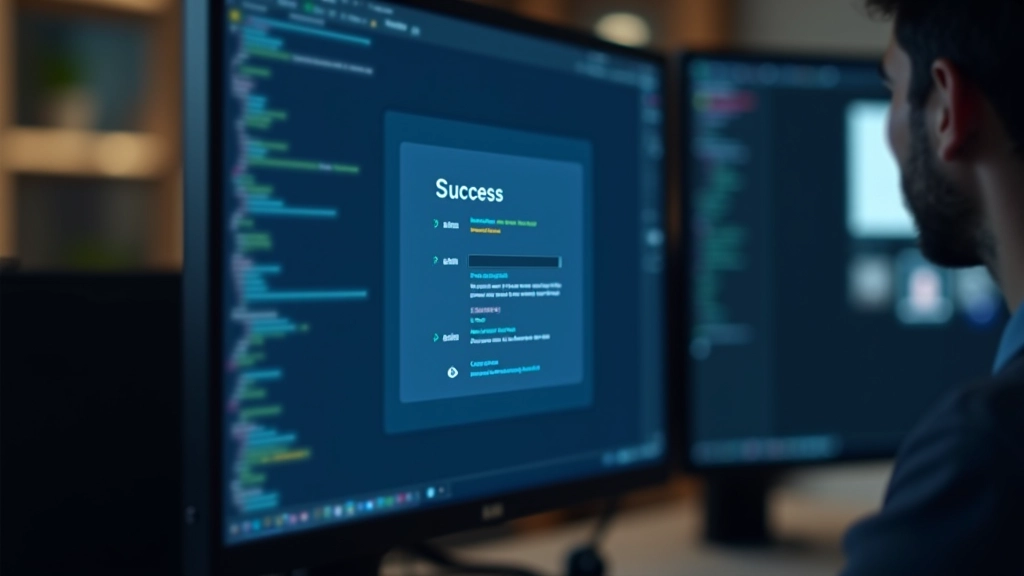
Real-time validation feedback with CSS animations helps users correct errors immediately, reducing form abandonment rates significantly.
Read Article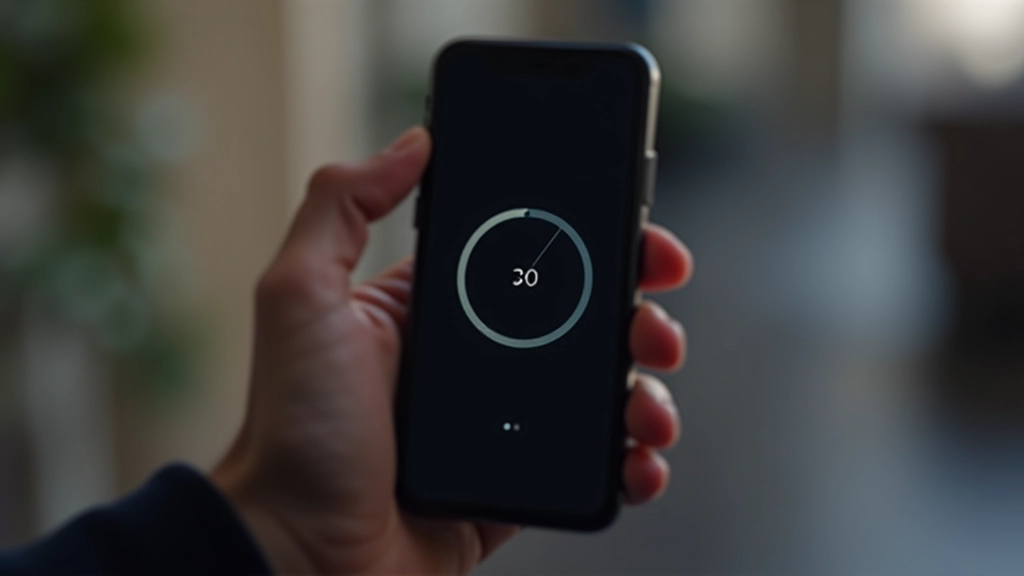
Perceived wait time shrinks when you add meaningful loading indicators. We’ll show you the best patterns for spinners, progress bars, and skeleton screens.
Read Article
Transitions handle state changes smoothly. Keyframes create complex animations. Here’s how to choose the right tool and keep your animations performant.
Read ArticleUnderstanding which CSS properties trigger repaints and reflows helps you optimize animations. Here’s a quick reference for common animation techniques.
| Animation Property | Performance Impact | Best For | Example Use |
|---|---|---|---|
transform
|
Excellent | Smooth, performant animations | Scaling, rotating, translating elements |
opacity
|
Excellent | Fade effects, visibility toggles | Fade in/out on load, hover effects |
width / height
|
Avoid | Only when necessary | Expandable menus (use max-height instead) |
box-shadow
|
Fair | Subtle depth changes | Button elevation on hover |
color / background-color
|
Fair | Color transitions | Link hover states, background fades |
Always animate
transform
and
opacity
when possible. These properties don’t trigger layout recalculations, keeping your animations smooth at 60fps. For Hong Kong users on mobile connections, smooth animations feel faster than sluggish ones with janky rendering.