
Why Loading States Matter More Than You Think
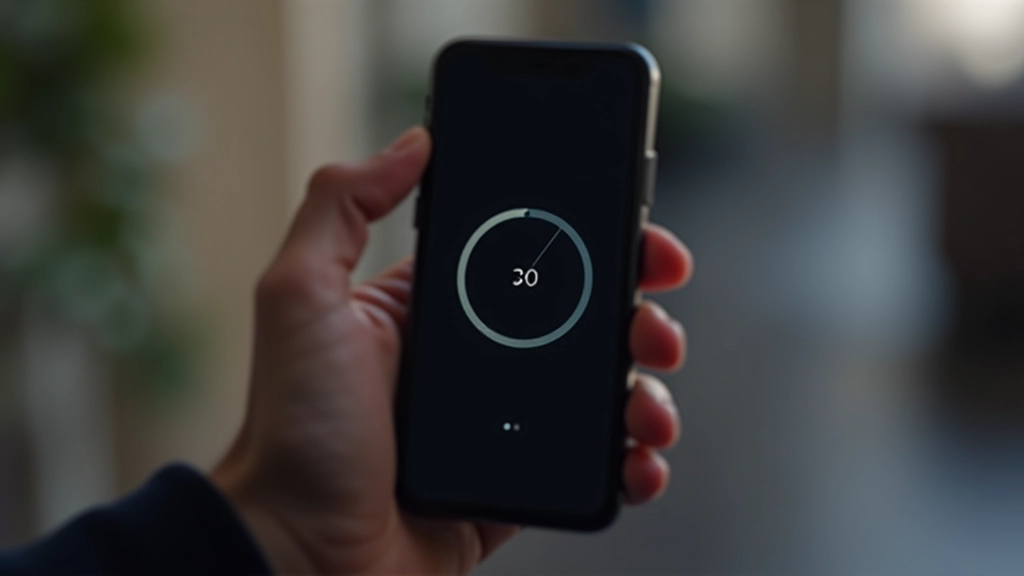
Research shows that users perceive wait times as 30-50% longer when there’s no feedback. You’re not imagining it when a loading bar feels faster than a blank screen. There’s actual psychology happening. Your brain fills the void with uncertainty, and uncertainty stretches time.
We’ve all experienced it. A page loads with nothing but white space, and you swear it’s been 10 seconds when it’s really been 2. Then you see a spinner appear, and suddenly the wait feels manageable. That’s not magic — that’s cognitive science. Your mind now has something to focus on besides the passage of time.
The Key Insight: A 2-second wait with a loading indicator feels faster than a 1-second wait with nothing. Feedback beats speed.
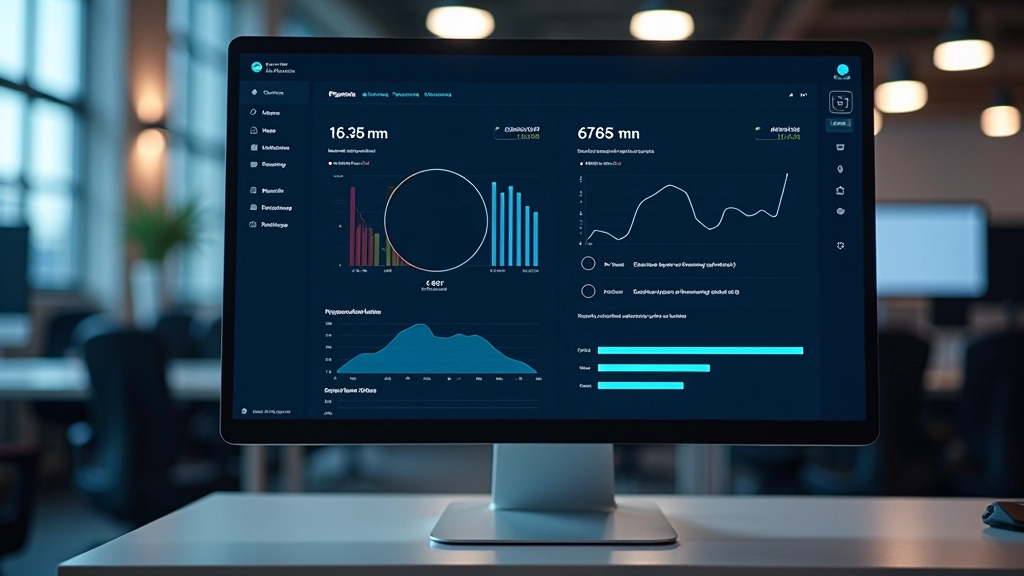
The Three Loading Patterns That Work
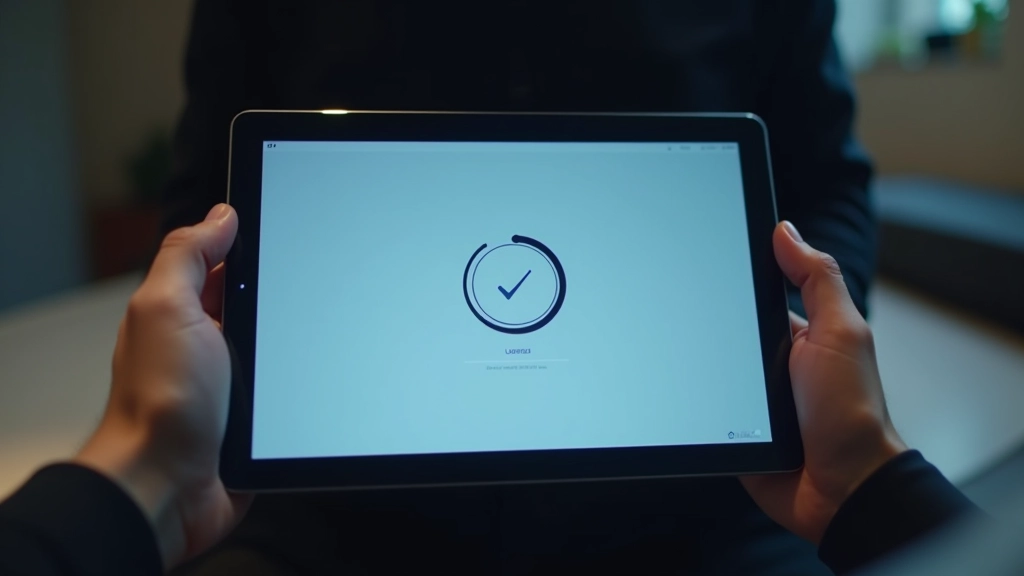
1. Spinners & Dots
The classic spinner — that rotating circle — works because it’s instantly recognizable. Users see it and know something’s happening. It doesn’t need explanation. The key is keeping it subtle. A spinner that’s too large or too fast becomes annoying. We recommend 24-32px size with a rotation speed of 1.2 to 1.5 seconds per full rotation. That’s fast enough to feel responsive, slow enough to not be jarring.
2. Progress Bars
Progress bars work differently than spinners. They give the impression of progress toward completion. Use them when you actually know how long something will take. If you’re uploading a file or processing data, a progress bar shows real advancement. Never use fake progress that jumps from 0 to 100 instantly — that defeats the purpose. Real progress feels earned.
3. Skeleton Screens
This is the sophisticated option. Instead of a generic spinner, show a skeleton of the actual content that’s loading. The user sees where the image will be, where text will appear, what the layout looks like. It’s like a preview of the finished product. Facebook and Medium popularized this, and it works brilliantly because your brain starts arranging the content before it even arrives.
Implementation Best Practices
Here’s where most teams stumble. They build a beautiful loading state and then never test it with real users on real networks. A loading animation that looks perfect on localhost at full bandwidth might be invisible during actual load times. You need to see it in action.
Choose Purposeful Animation
Your loading state should animate smoothly with 60fps performance. Use CSS animations or transitions, not heavy JavaScript. A spinning SVG is better than a GIF. Keep file sizes small — your loading state shouldn’t be the slowest thing to load.
Show It Immediately
Don’t wait 500ms before showing a loading state. Show it right away. The moment a user clicks or interacts, they should see feedback within 100-150ms. This tiny delay feels instant and keeps them confident something is happening.
Respect User Preferences
Not everyone wants animations. Use `prefers-reduced-motion` media query to provide a static loading state for users who prefer less motion. A simple spinner becomes a static circle with a pulse. Still shows loading, no animation distraction.

Real-World Examples That Work
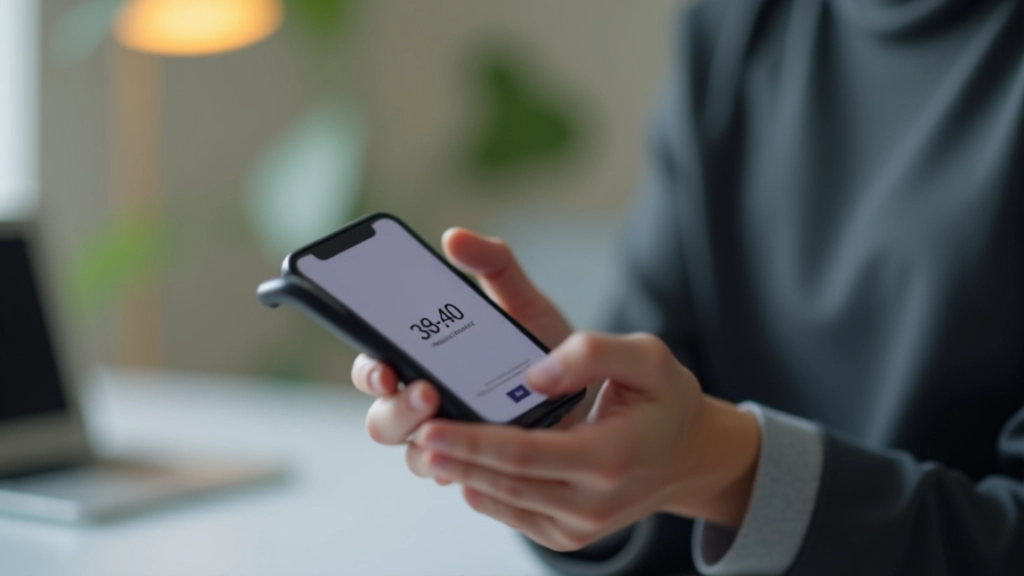
Stripe’s payment forms use a minimal spinner. It’s 24px, centered, with a soft blue color that matches their brand. Nothing fancy, but it works because it’s consistent. Users see the same loading state everywhere in the Stripe ecosystem. That familiarity builds confidence.
Airbnb’s search results use skeleton screens. You see placeholder blocks where photos will be, gray boxes where the price will appear. By the time real content loads, your brain already understands the layout. The transition feels seamless.
Netflix shows a subtle pulse animation on content cards while data loads. It’s not a spinner. It’s the card itself breathing, slowly pulsing with a semi-transparent overlay. This approach works because it fills the space with movement without being intrusive.
The common thread? None of these loading states are flashy. They’re all functional, subtle, and perfectly timed. They get out of the way the moment real content arrives.
The Bottom Line
Loading states aren’t decoration. They’re a core part of how users experience your product. A good loading state doesn’t make things faster — it makes the wait feel intentional and controlled. It’s the difference between frustration and acceptance. That’s why companies like Stripe, Airbnb, and Netflix invest heavily in getting them right. You should too.
Start with a simple spinner if you’re just beginning. Test it with real users on real networks. Watch how they react when the loading state appears. Does it calm them down? Do they stop wondering if something broke? That’s your signal you’re on the right track.
Remember: users don’t measure time accurately when they’re uncertain. Give them certainty, and the wait becomes bearable. That’s the magic of loading states done right.
Disclaimer: This article provides educational information about loading state design patterns and perceived wait time optimization. The techniques and examples shared are based on UX research and common industry practices. Implementation results may vary depending on your specific application, user base, and network conditions. Always test loading states with real users and monitor actual performance metrics. We’re not responsible for how you implement these concepts in your own projects.